Product update
Introducing PakHomes Studio: Our Tile Visualizer
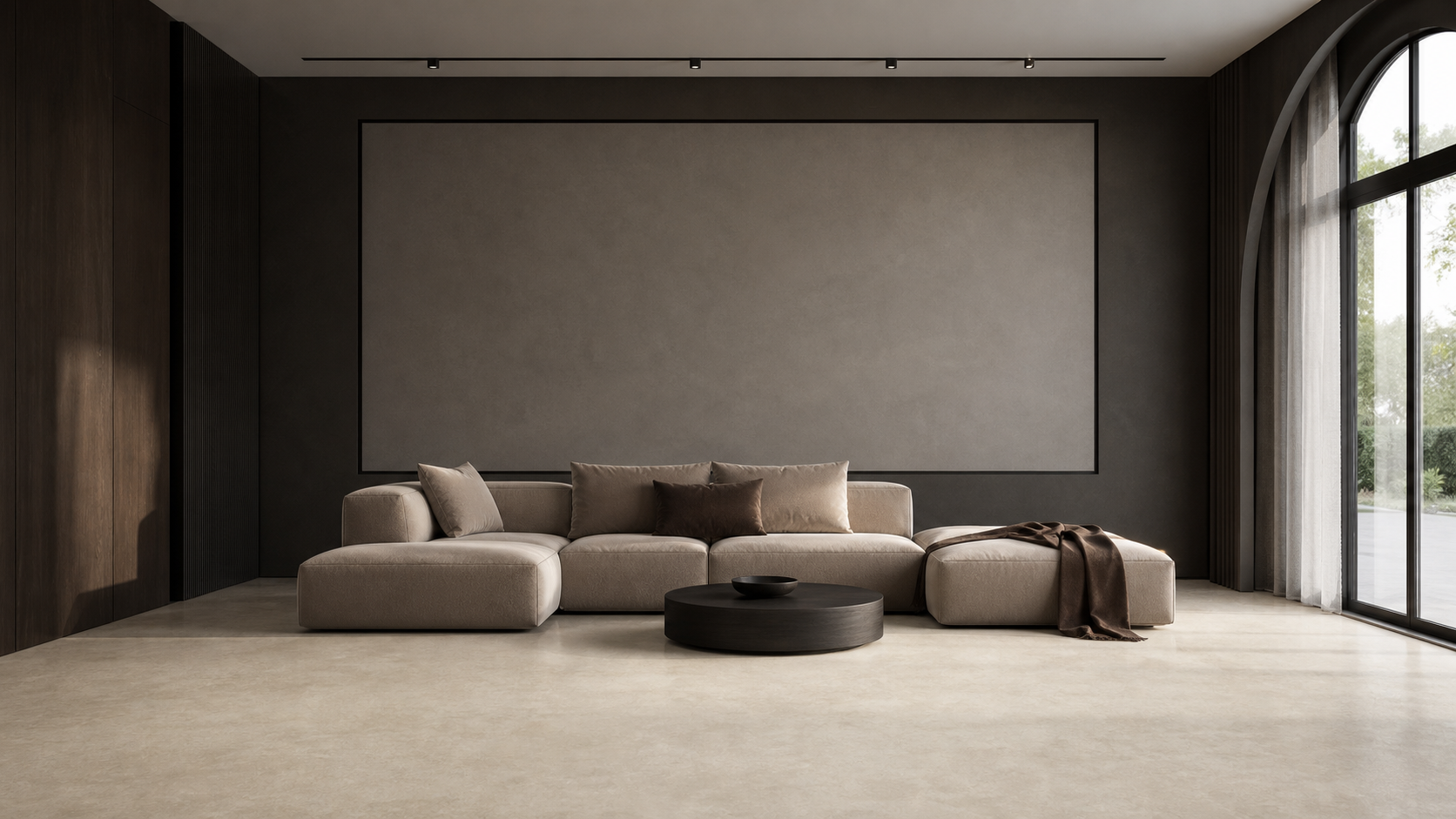
Choosing a tile from a small product image is difficult. PakHomes Studio gives you a more useful starting point: see wall and floor finishes in a consistent room before you shortlist them.

Founder of Pak Homes · Published July 30, 2026
Why we built it
Pak Homes has always been about making the first part of a home-products decision easier. A catalog can help you discover a tile, but it cannot automatically answer the question that matters most: how might this look across a complete wall or floor?
That gap is why we built PakHomes Studio. It is our Tile Visualizer: an interactive space where you can apply selected finishes to real room scenes, compare them at room scale, and move from a visual choice to the matching product page.
A fairer way to compare tiles
Tile decisions become confusing when every product is photographed in a different room, under different lighting, and at a different scale. A dramatic product photograph can be inspiring, but it does not always make comparison easier.
In PakHomes Studio, the room stays fixed while the material changes. That consistency lets you focus on the tile itself: its tone, pattern, orientation, scale, and relationship with the other surface in the room.
Choose a room
Start with a living room, bedroom, kitchen, bathroom, or another available scene that is close to your project.
Edit the wall or floor
Change each surface independently, so you can test combinations without losing the room context.
Compare scale and orientation
See how the repeat and direction of a tile affect the overall feeling of the space.
Open the matching product
When a finish works, continue to its Pak Homes product page to review details and contact the listed partner.
What the visualizer is—and what it is not
PakHomes Studio is a shortlisting tool. It helps you reject unsuitable options faster and identify combinations worth exploring. It is not a replacement for seeing a physical sample, checking the current batch, or confirming stock and final pricing with the partner.
Displays render colour differently, and real rooms have their own light, dimensions, furniture, and installation details. The visualizer should give you confidence about direction; the physical sample should confirm the final decision.
Why we call it PakHomes Studio
Tile Visualizer explains exactly what the tool does. PakHomes Studio is the product name behind that experience. On the site, we use both together: PakHomes Studio for the identity, and Tile Visualizer for clarity.
This also gives us room to improve the experience over time. Today the focus is comparing tiles and selected finishes. The larger idea is to create practical tools that help Pakistani homeowners, architects, and builders make better-informed product decisions.
What comes next
We will continue adding visualizable products, refining material scale, and improving room choices. The best version of this tool will come from real usage, so I would especially like to hear which rooms, tile formats, and comparison features would help you most.
Try PakHomes Studio, shortlist a few combinations, and then open the product you like. It is one more step toward making home-product discovery visual, practical, and connected to real supplier catalogs.